1. BoostWP Originals
  2. BoostWP
Internal Mail Ads free download
// Latest Version

Internal Mail Ads Free

3,159 downloads

Your site already sends more email than you think.

Download v2.0.2Login to download free
Built and maintained by BoostWP Auto-updates with Boost Updater Unlimited websites
// Version //2.0.2
// Updated //Jun 27, 2026
// Developer //BoostWP
// Report //Some issue
// Download

Free Download Internal Mail Ads v2.0.2 (Latest Version)

Log in with a free account and the Download button gives you the zip. It's the file we built, nothing changed.

// Changelog

What's New in Internal Mail Ads v2.0.2

v2.0.2Released Jun 27, 2026
  • ReleaseWe haven't written up the v2.0.2 notes yet. If you need to know what changed before you update, ask in a ticket.
// Screenshots

Internal Mail Ads on a real site

Taken on a plain WordPress install with the current version. Click one to open it full size.

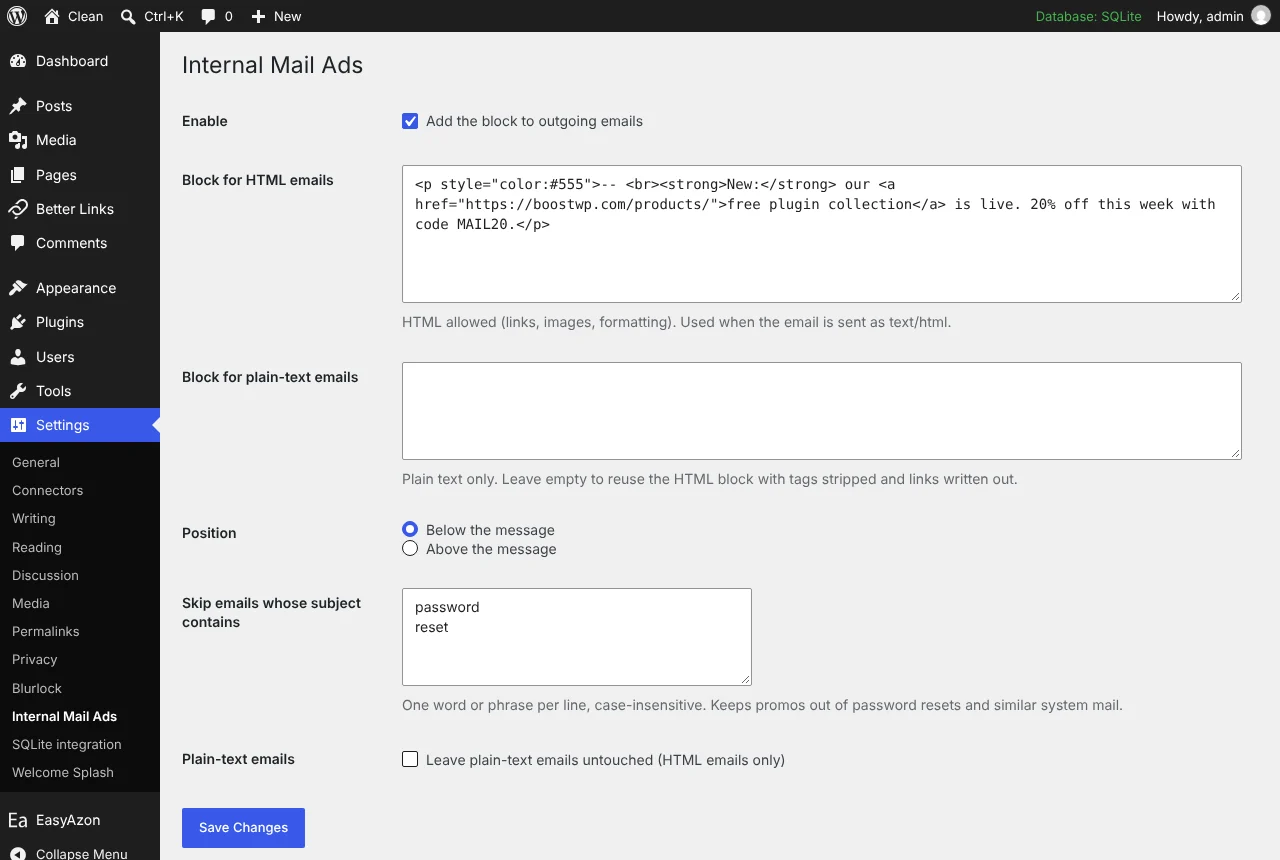
Internal Mail Ads: Settings page with the HTML block and the skip list
Settings page with the HTML block and the skip list.
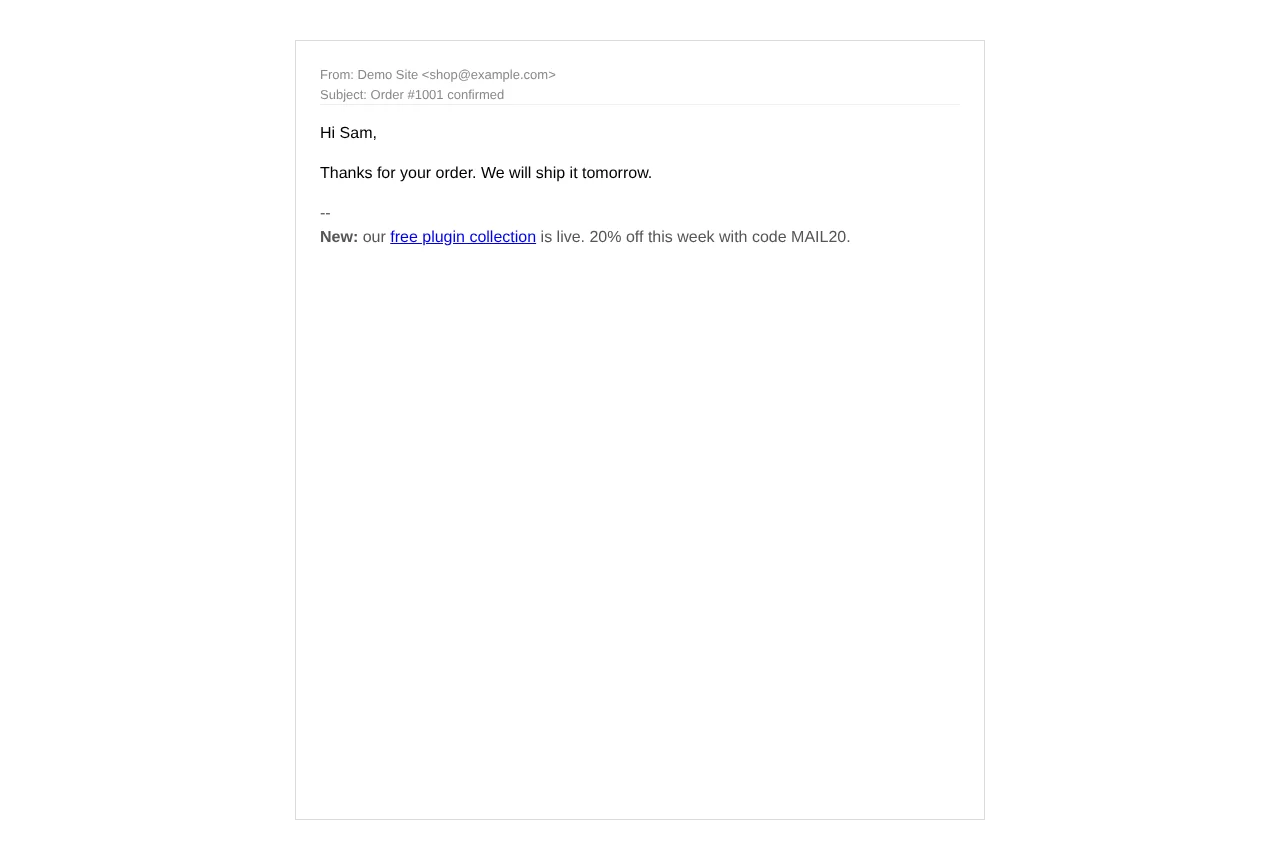
Internal Mail Ads: A test email with the block appended (HTML)
A test email with the block appended (HTML).
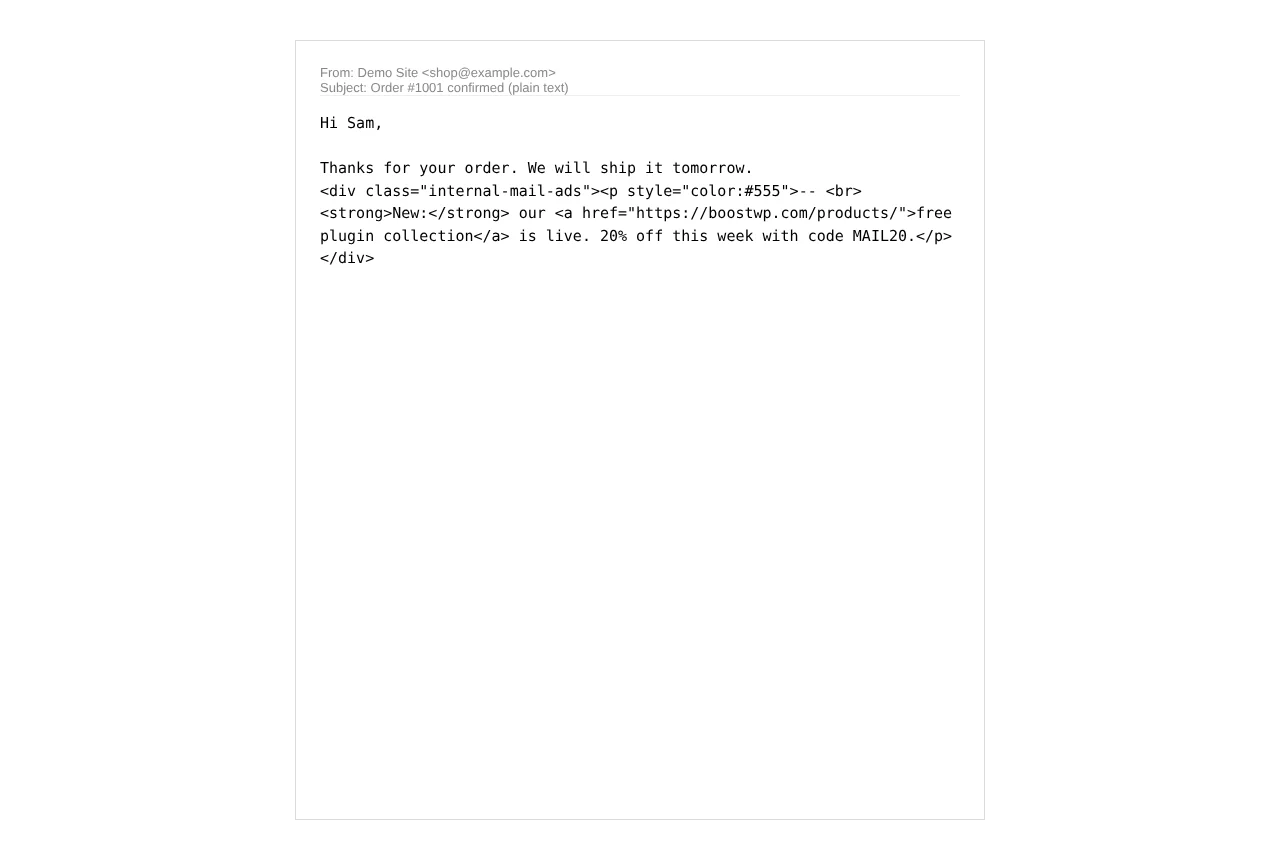
Internal Mail Ads: The same block in a plain-text email
The same block in a plain-text email.

A promo block in every email your site sends

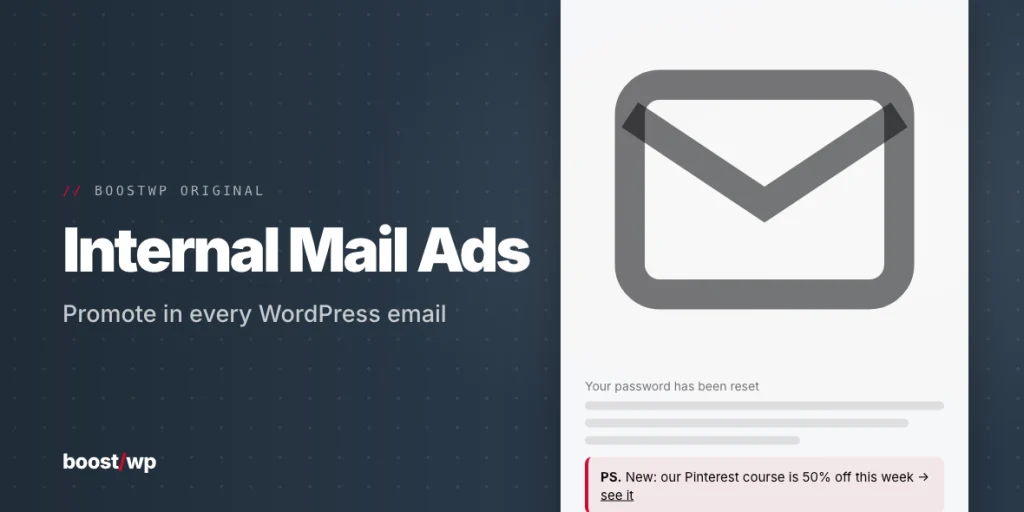
Your site already sends more email than you think. New-user welcomes, comment notifications, order confirmations, contact form replies. Each one lands in an inbox that opened it on purpose, and the bottom of each one is empty. Internal Mail Ads fills that space with a block you write once: a line about your newest product, a coupon, or a signature with your logo and links.

It went on this site in July 2013, which makes it one of the oldest things here. The 2.0.0 download is new code written for WordPress 7 and PHP 8, one PHP file, one settings page.

How it attaches

The plugin sits on the standard wp_mail filter at priority 999 and inspects each outgoing message. If the email is HTML, your HTML block is wrapped in <div class="internal-mail-ads"> and placed above or below the message as you choose; when the message is a full HTML document the block goes inside <body> rather than after it. If the email is plain text, you get the plain-text version you wrote, or, if you left that empty, the HTML block converted to text with link URLs written out in brackets.

Because it hooks wp_mail(), it works with WooCommerce, form plugins, membership plugins and anything else that sends mail the WordPress way. Mail that goes straight out through an external API, which some SMTP services do, bypasses WordPress and is not touched. That is the main thing this plugin does not do, and there is no way round it from our side.

Keeping it out of system mail

Nobody wants a coupon under a password reset. The skip list leaves alone any email whose subject contains “password”, “reset” or “verification”, and you can add phrases of your own. There is also an “HTML emails only” option that leaves every plain-text email untouched. For anything finer, the internal_mail_ads_apply filter lets you decide per email in code.

The settings page

  • Enable tick box, so you can switch it off without deactivating
  • HTML block (saved through wp_kses_post) and an optional plain-text block
  • Above or below the message
  • Skip list, one phrase per line
  • “Send me a test email” button, nonce-protected, so you see the result in your own inbox before anyone else does

What changed since 2013

The original page promised twelve months of stats on how your message performed. This build keeps no stats and sends nothing anywhere: no tracking, no external requests. We read the content type from the headers, array or string form, and fall back to the wp_mail_content_type filter that many plugins use. Tested on WordPress 7.1.4 with PHP 8.3 and WP_DEBUG on; needs WordPress 5.0 and PHP 7.4 or newer.

// Installation

How to install Internal Mail Ads

  1. 01

    Download the zip

    Download the zip from this page once you are logged in. Leave it zipped.

  2. 02

    Upload the plugin

    Plugins, Add New Plugin, Upload Plugin, pick the zip, Install Now.

  3. 03

    Activate

    Click Activate. Then paste your ad block in its settings and check the skip list before the next password reset goes out.

  4. 04

    Keep it updated

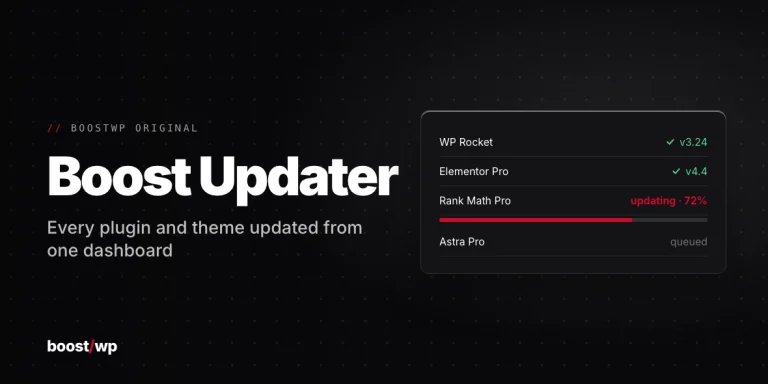
    With Boost Updater installed, Internal Mail Ads updates from Dashboard, Updates like any other plugin. Without it, come back here for the next version.

// Technical Details

Internal Mail Ads specifications

// Version //2.0.2
// Last updated //Jun 27, 2026
// Developer //BoostWP
// Licence //GPL v2 or later
// Requires //None
// WordPress //5.0 or later
// PHP //7.4 or later
// FAQ

Internal Mail Ads Questions

What people ask about Internal Mail Ads before and after they install it.

Ask about Internal Mail Ads
01What does the free account get me?

The current version of Internal Mail Ads and every other plugin here. Older versions and automatic updates are the membership part.

02Does it work with WooCommerce and form plugins?

If they send through wp_mail(), yes, and nearly all do. Mail that goes straight to an SMTP service's API skips WordPress and isn't touched.

03Will it break password reset emails?

The default skip list leaves out subjects with password, reset or verification in them. Add your own phrases.

04Can I put it on client sites?

Yes, and you don't have to tell us. The GPL has no site limit.

05Is the zip modified in any way?

No. It's the file we built, scanned for malware and uploaded as is.

06Where do updates come from?

This page, or Boost Updater if you install it. Free accounts see the new version here; members can install it from the dashboard.

Internal Mail Adsv2.0.2 · 3,159 downloads
Download v2.0.2Login to download free