Share buttons that load nothing from anyone
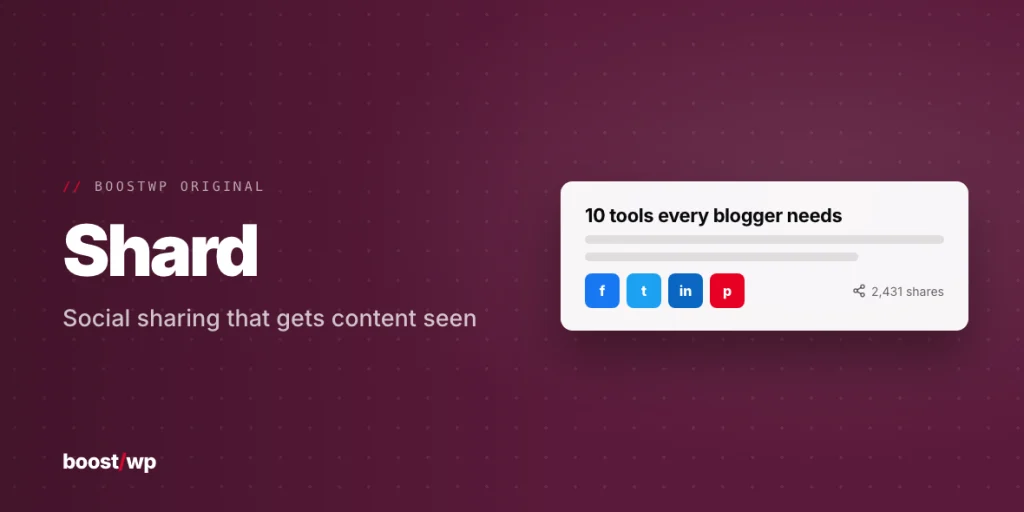
Shard went on this site in July 2013 as a way to embed the networks’ official widgets, which was a sensible idea when share counts were public and Google+ existed. Neither is true now, and an official widget is mostly a tracking script with a button on top. The 2.0.0 download keeps the name and rebuilds the plugin around the opposite idea: every button is a plain link to the network’s share URL with an inline SVG icon, and nothing is fetched from Facebook, Pinterest or anyone else. It also absorbs two other products we used to sell separately, Pin Button Attraction and Pin Button Sidebar, so you install one plugin instead of three.
Share buttons
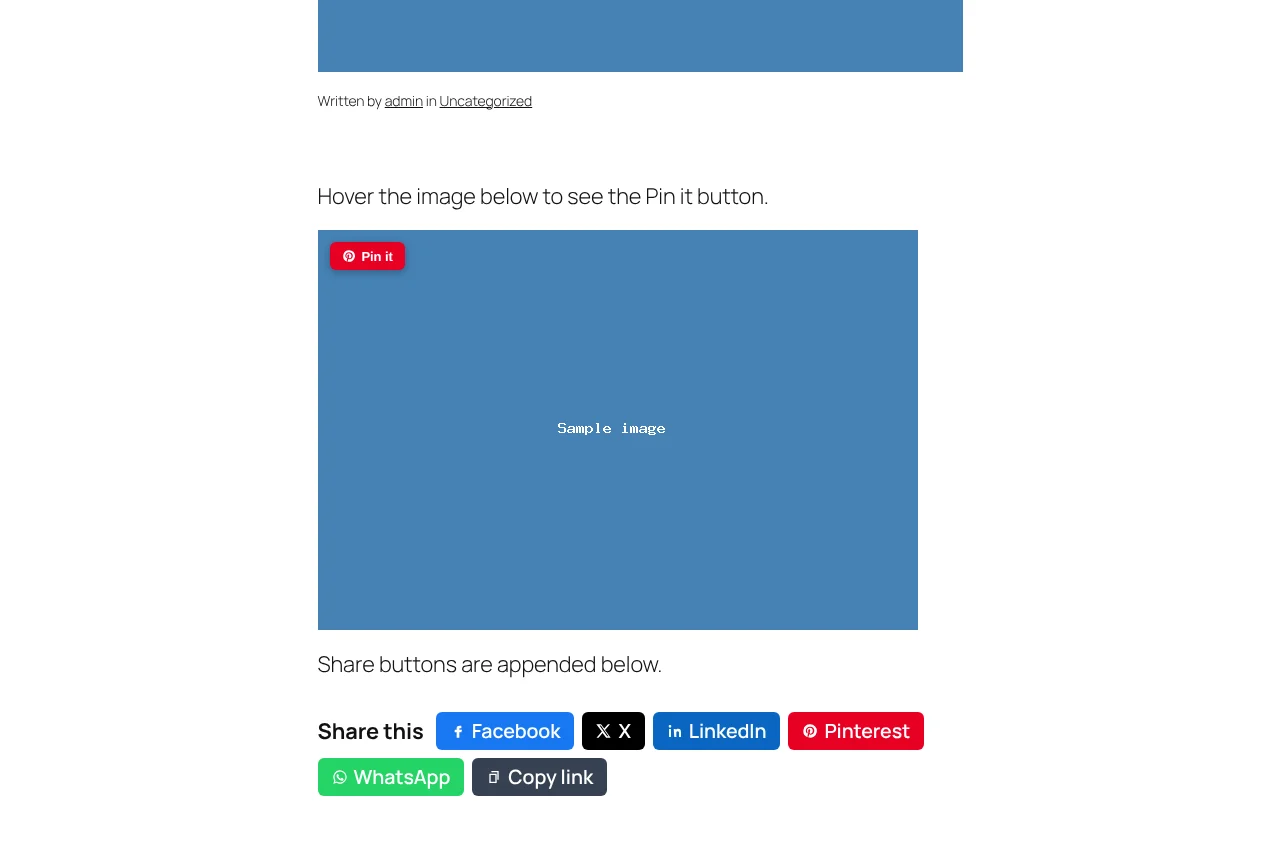
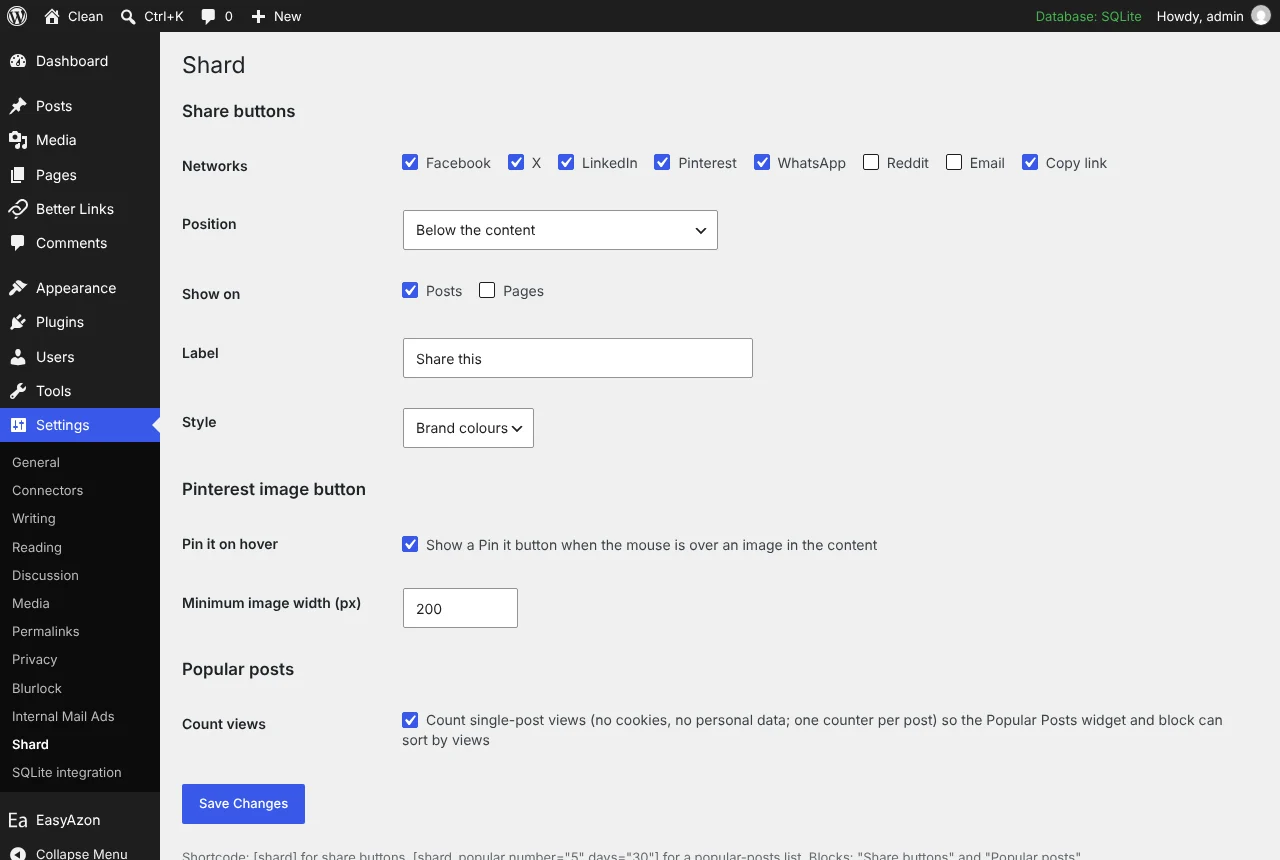
Facebook, X, LinkedIn, Pinterest, WhatsApp, Reddit, email and copy link, in brand colours, outline or round style. On the Settings, Shard screen you choose the networks, the style, the post types and whether the buttons sit above or below the content. A small script opens the share page in a popup and makes the copy-link button say “Copied!”; on a phone the buttons collapse to icons.
If you would rather place them yourself, set Position to “Only where I place the shortcode or block” and use the Share buttons block or [shard]. Auto placement also steps aside on any post where the block or shortcode is already present, so you do not get two rows.
Pin it on hover
One floating Pinterest button follows the mouse to whichever content image it is over, and pins that image with the post URL and the image’s alt text. Minimum image width is configurable so icons and small graphics are left alone. It appears on hover-capable devices only, so there is nothing to tap through on touch screens.
Popular posts
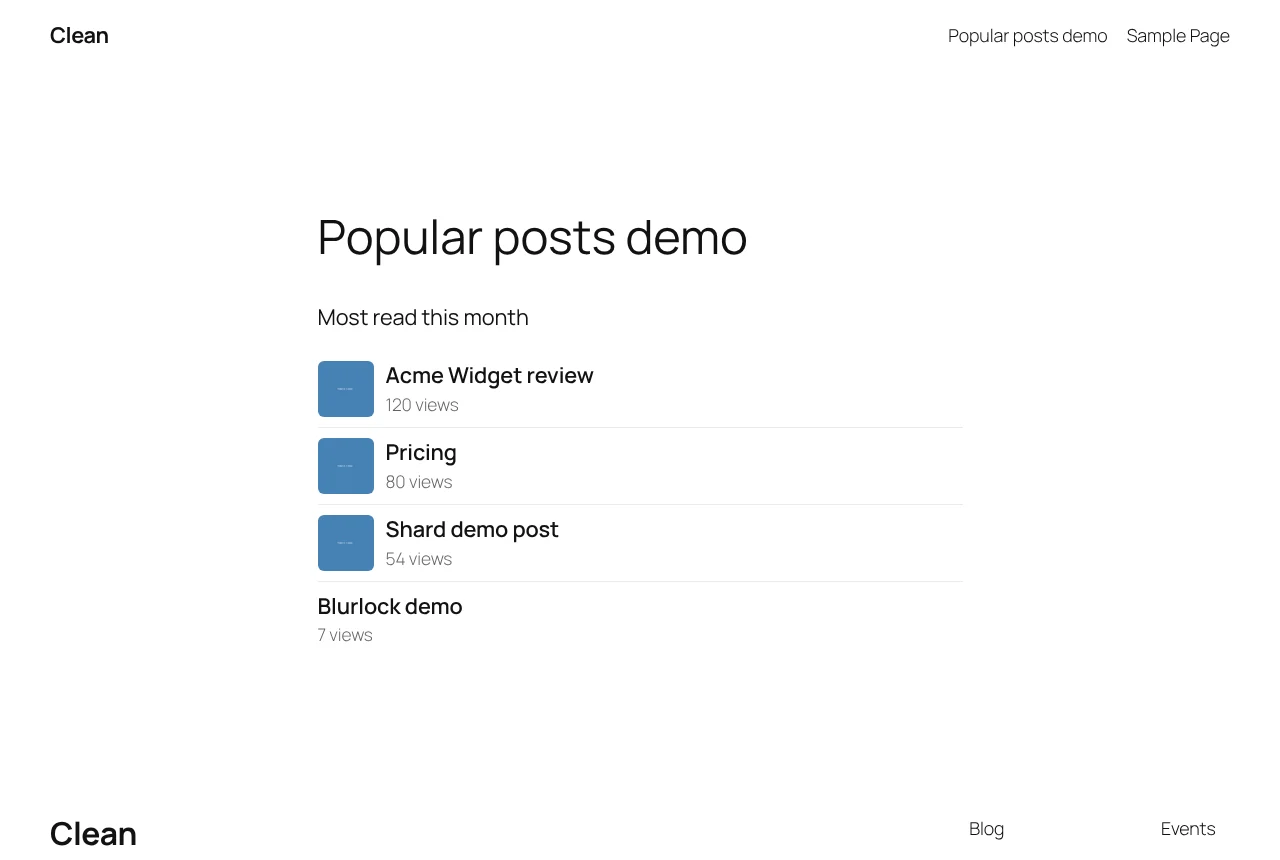
- A per-post view counter in post meta, incremented by anonymous visitors on single posts; logged-in visits are not counted
- No cookies, no personal data stored
- A classic widget, the Popular posts block and
[shard_popular], with thumbnails, all-time or last N days - Until views exist it falls back to most-commented posts, so a fresh install is not empty
What it does not do
No share counts. They need the networks’ APIs, which have been closed or restricted for years, and a number that cannot be fetched honestly is better left off. No floating sidebar bar, no click analytics. We tested the block and shortcode on a block theme; the classic widget was reviewed and renders through the same popular_html() code, but we did not click through its admin form in a widget-area theme, so tell us if something is off there. Needs WordPress 5.8 and PHP 7.4; tested on 7.1.4 with PHP 8.3.