1. BoostWP Originals
  2. BoostWP
Tablezon free download
// Latest Version

Tablezon Free

1,859 downloads

Tablezon went on sale in January 2015 as an add-on for EasyAzon Pro.

Download v5.1.2Login to download free
Built and maintained by BoostWP Auto-updates with Boost Updater Unlimited websites
// Version //5.1.2
// Updated //Nov 02, 2026
// Developer //BoostWP
// Report //Some issue
// Download

Free Download Tablezon v5.1.2 (Latest Version)

Log in with a free account and the Download button gives you the zip. It's the file we built, nothing changed.

About this file. Tablezon was a paid add-on whose comparison tables were folded into EasyAzon from version 5. The download on this page is EasyAzon 5.1.2, the same file as on the EasyAzon page. It needs your own Amazon Product Advertising API keys. Open EasyAzon

// Changelog

What's New in Tablezon v5.1.2

v5.1.2Released Nov 02, 2026
  • ReleaseWe haven't written up the v5.1.2 notes yet. If you need to know what changed before you update, ask in a ticket.
// Screenshots

Tablezon on a real site

Taken on a plain WordPress install with the current version. Click one to open it full size.

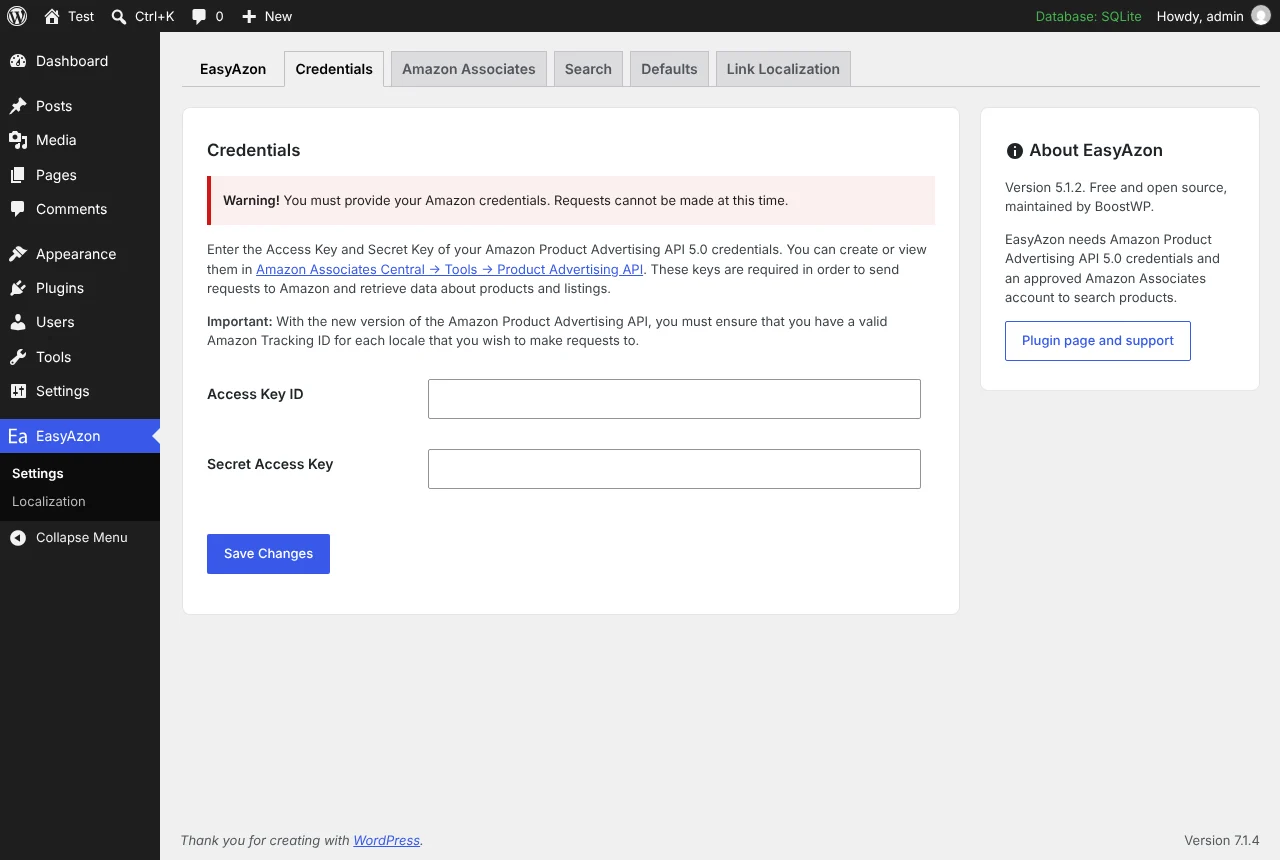
EasyAzon: EasyAzon settings: Amazon credentials, tracking IDs per locale, link defaults and cloaking
EasyAzon settings: Amazon credentials, tracking IDs per locale, link defaults and cloaking.
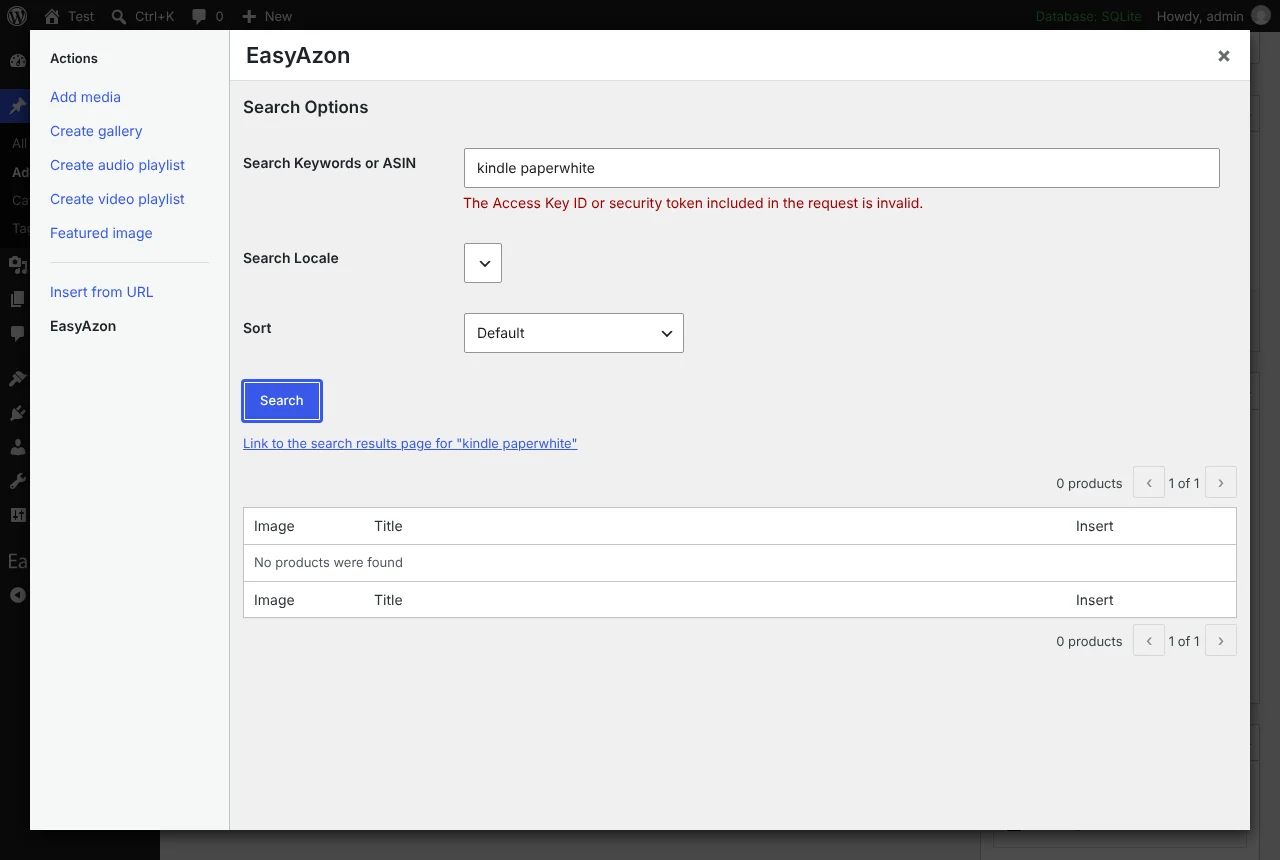
EasyAzon: The EasyAzon button above the post editor opens the product search and link builder
The EasyAzon button above the post editor opens the product search and link builder.
EasyAzon: Link localisation: map a product to its equivalents in other Amazon stores
Link localisation: map a product to its equivalents in other Amazon stores.

Tablezon is retired and the download here is EasyAzon

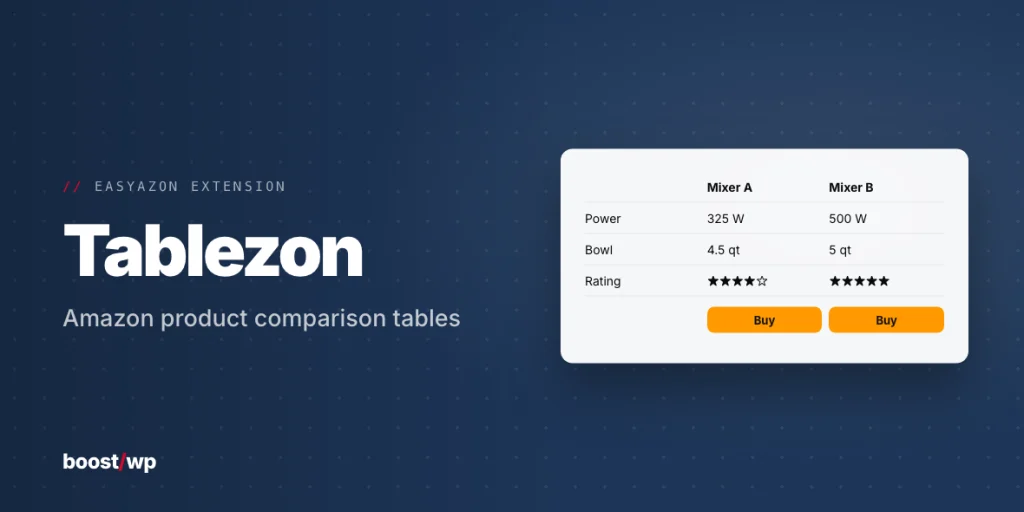
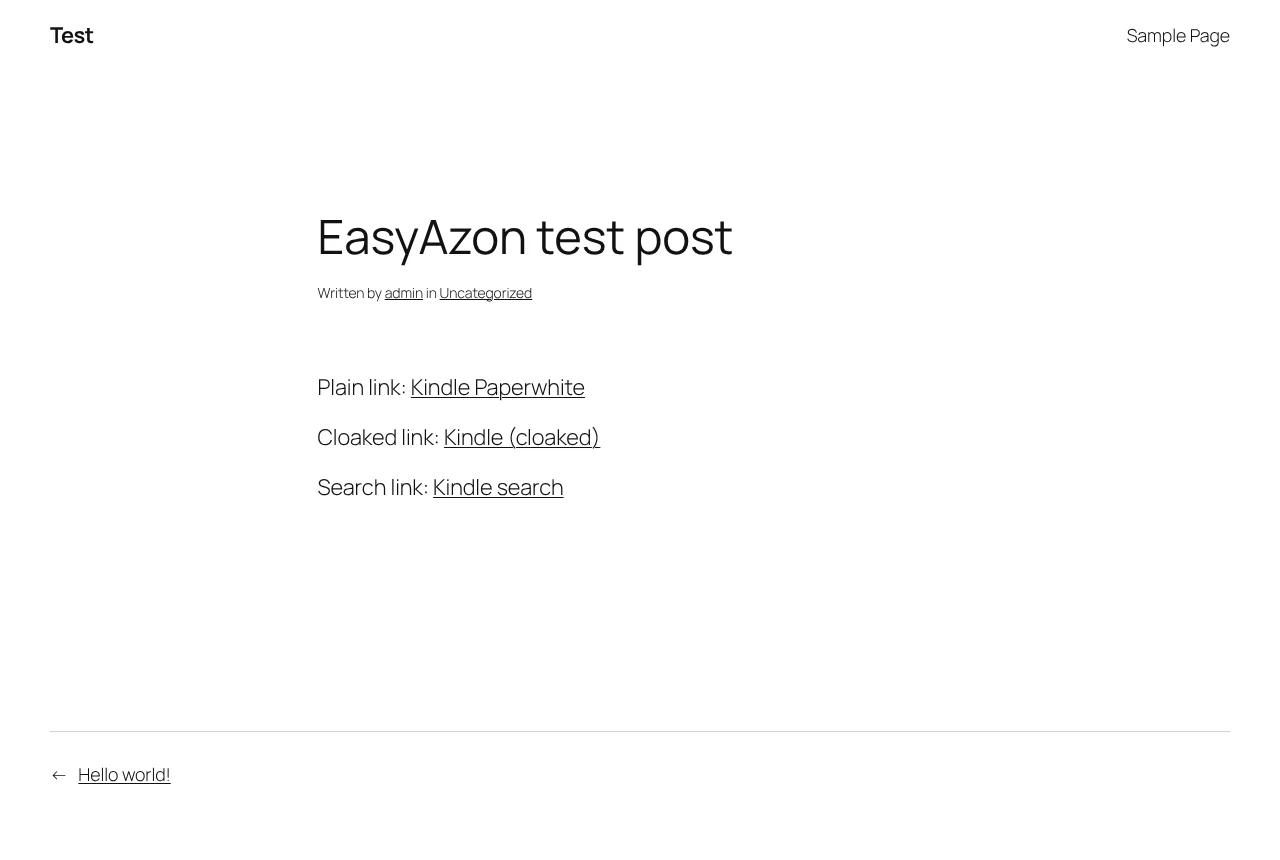
Tablezon went on sale in January 2015 as an add-on for EasyAzon Pro. It built product comparison tables, a row per product with EasyAzon links in the cells.

We have not rebuilt it. Tablezon was written against the Pro add-on and the Amazon API of its day, and both are gone: Pro merged into the main plugin at 5.0 in 2021, and the current plugin talks to Product Advertising API 5.0. The file on this page is EasyAzon 5.1.2, which has the pieces a comparison needs rather than a table builder.

Those pieces are the product information block and the image link. The info block drops a styled box into a post with the product’s title, thumbnail, price information and a buy button, pulled from Amazon. The image link turns a product photo into the affiliate link itself. Place a few of either side by side in a columns block and you have a comparison with the link options Tablezon had: cloaking, localization per store, nofollow, new window and add-to-cart. (Our opinion: a columns layout in the block editor is easier to keep looking right than a generated table ever was.)

Both need product data, which means your own Amazon Product Advertising API keys and tracking IDs on the EasyAzon settings page. We could not test their output without real credentials, so that path is verified by code review and by Amazon’s error coming back through the authorised endpoint.
// Video

See Tablezon in action

An EasyAzon tutorial from Digital Nomad Wannabe; Tablezon builds on the same product data.

// Installation

How to install Tablezon

  1. 01

    Download the zip

    Log in, then Download. WordPress wants the zip as it is, so do not unzip it.

  2. 02

    Upload the plugin

    Plugins, Add New Plugin, Upload Plugin, pick the zip, Install Now.

  3. 03

    Activate

    Click Activate. Then open the EasyAzon settings page and enter your Amazon Associates API keys, or product search will return nothing.

  4. 04

    Keep it updated

    With Boost Updater installed, Tablezon updates from Dashboard, Updates like any other plugin. Without it, come back here for the next version.

// Technical Details

Tablezon specifications

// Version //5.1.2
// Last updated //Nov 02, 2026
// Developer //BoostWP
// Licence //GPL v2 or later
// Requires //Amazon Product Advertising API keys
// WordPress //5.0 or later
// PHP //7.4 or later
// FAQ

Tablezon Questions

What people ask about Tablezon before and after they install it.

Ask about Tablezon
01Is Tablezon free to download here?

Yes. Make a free account and download it. Membership adds updates as they ship, older versions and priority support.

02Does EasyAzon need Amazon API keys?

Yes. Search, images, prices and info blocks all go through the Product Advertising API 5.0, so you need an Associates account with API access and your tracking IDs.

03Where is EasyAzon Pro?

In this plugin. Cloaking, localisation, add-to-cart links, images, info blocks and buttons have all been in the free version since 5.0. Deactivate any old Pro copy.

04Will updating delete my settings?

No. Settings live in the database, not in the plugin files. A backup before a big update is still a good habit.

05Can I use it on more than one website?

As many as you like. It's GPL, so your own sites and your clients' sites are all fine.

06How will I know when Tablezon updates?

Turn on the bell on this page and we email you. Members with Boost Updater see it in the dashboard like any other update.

Tablezonv5.1.2 · 1,859 downloads
Download v5.1.2Login to download free